Build your perfect command centre with drag-and-drop widgets, multiple dashboard tabs, and 17+ widget types. Generate comprehensive reports across 8 categories with date filtering, REST API access, and Dash AI support.
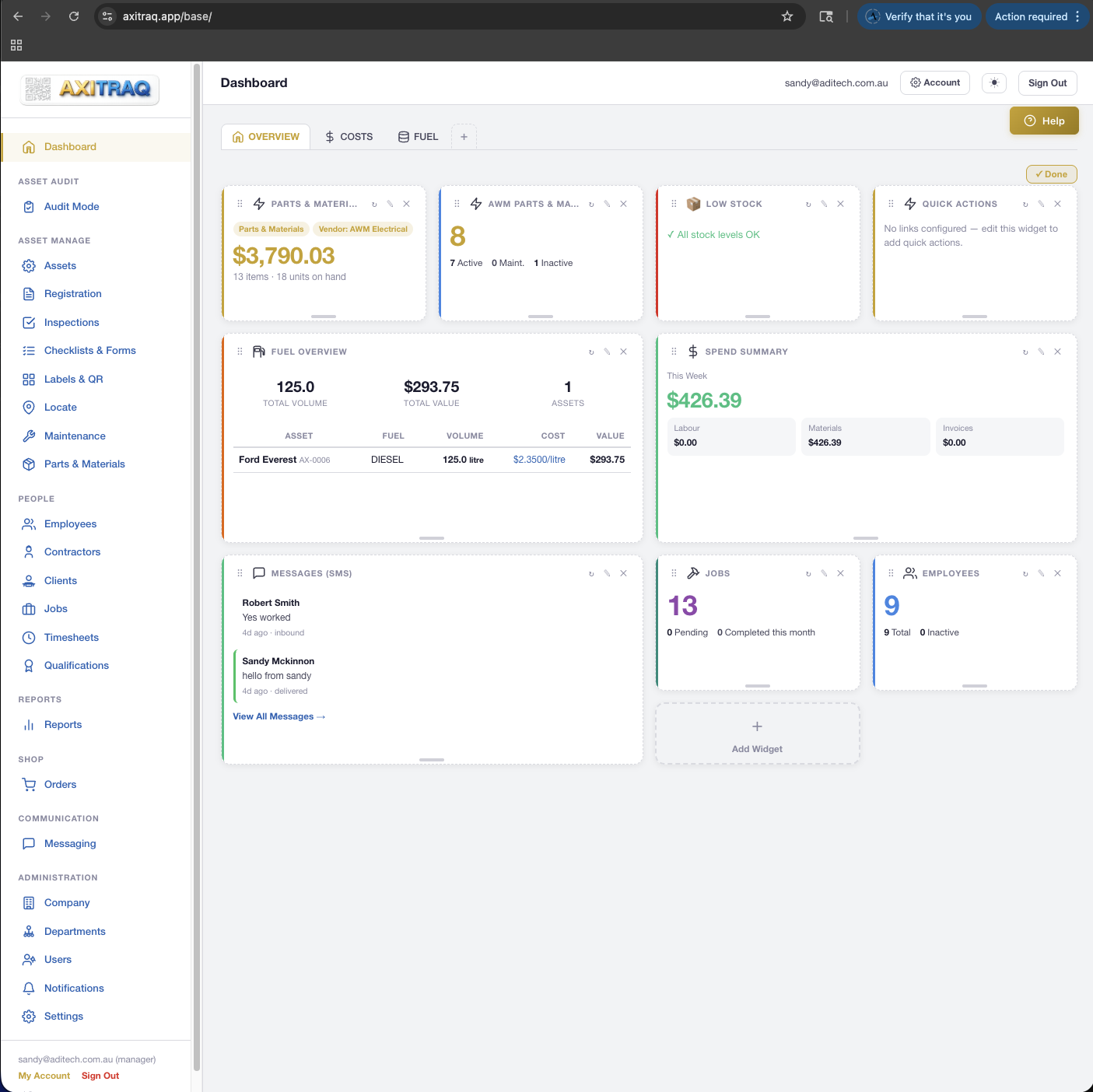
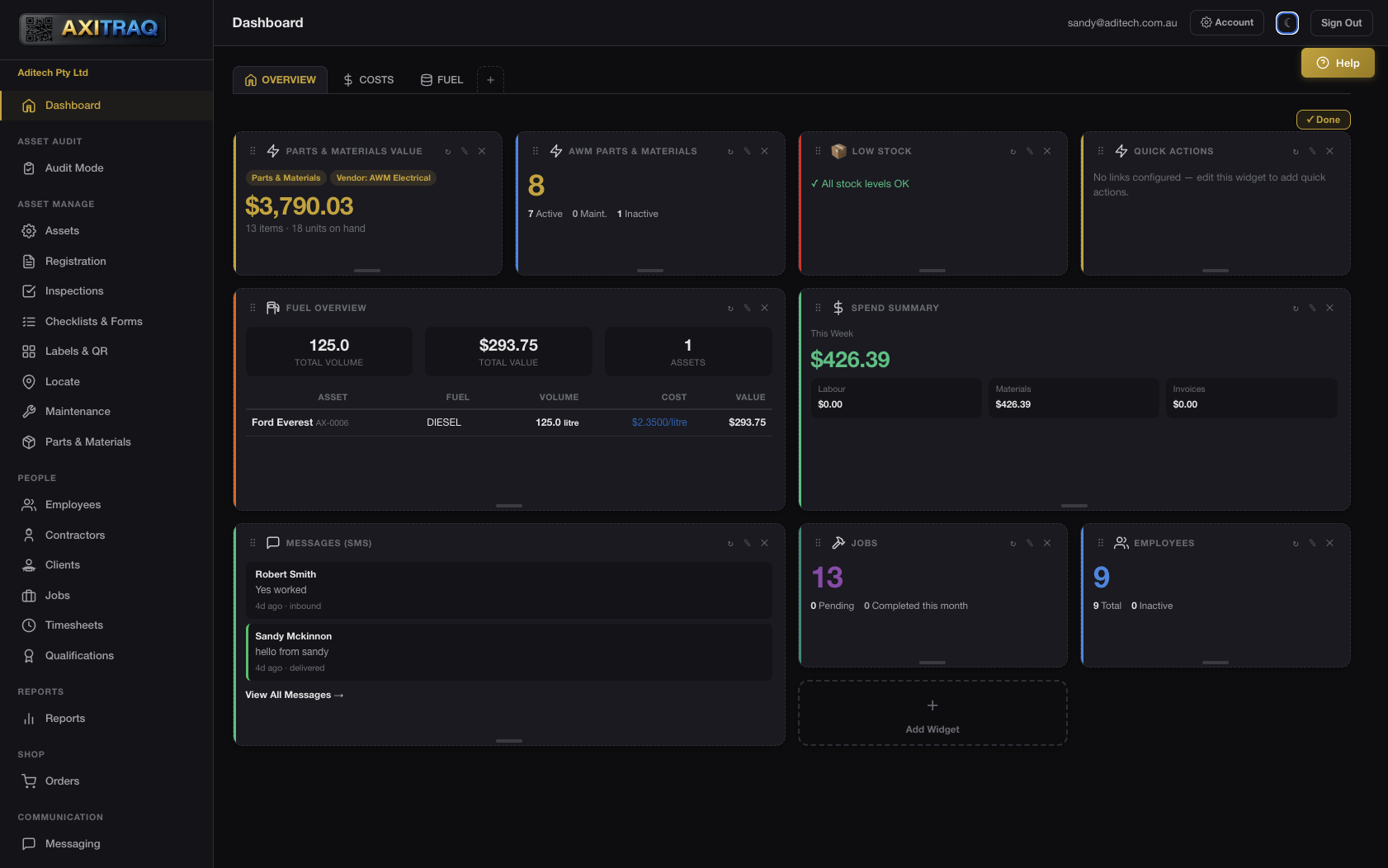
Create as many named dashboard tabs as you need — each with its own custom icon, layout, and widget set. Reorder tabs, set a default landing page, and let every team member personalise their workspace.
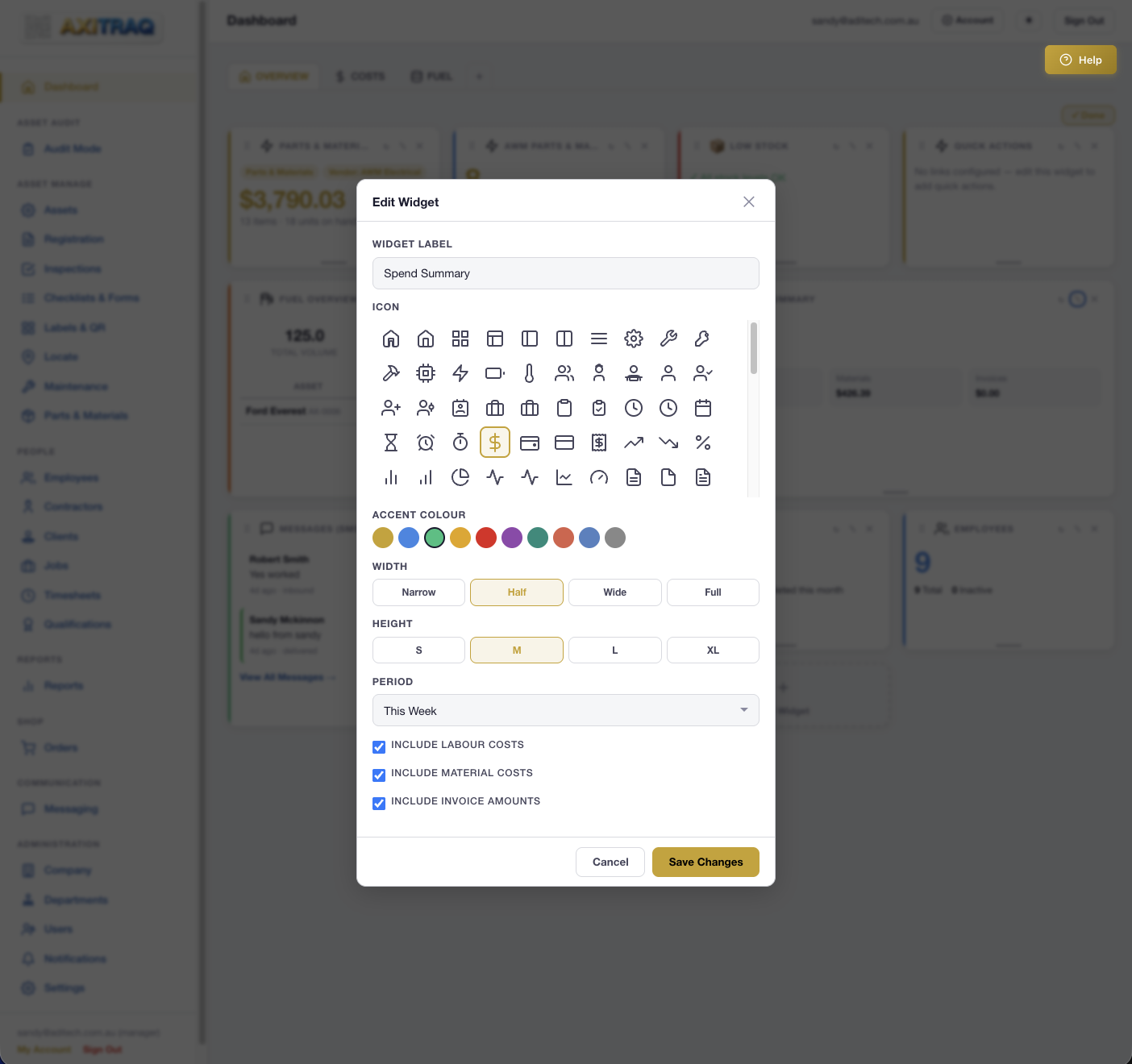
Each widget is independently configurable with custom labels, icons, accent colours, and column widths. The widget picker respects user permissions so everyone sees only what they can access.
Asset count statistics with status breakdowns and trends
Employee count and active status overview
Maintenance job statistics and completion tracking
Timesheet hours overview with employee breakdowns
Live count and summary of currently active jobs
Total inventory value with vendor, type, age, and assignment filters
Parts and materials below minimum stock thresholds
Spending summaries, job financials, and supplier breakdowns
Recent platform notifications in a live widget feed
One-click access buttons for frequently used platform actions
Inspection pass/fail rates and compliance percentages
Recent internal and SMS messages with unread count badges
Toggle “Customise” mode to unlock full layout control. Drag widgets to reorder, resize columns from 1 to 4 wide, add new widgets from the picker, or remove ones you don’t need. Order is saved automatically via API.
Parts value and low stock widgets support advanced filtering by vendor, item type, stock age, and assignment status. Filter badges display active criteria at a glance so you always know what you’re looking at.
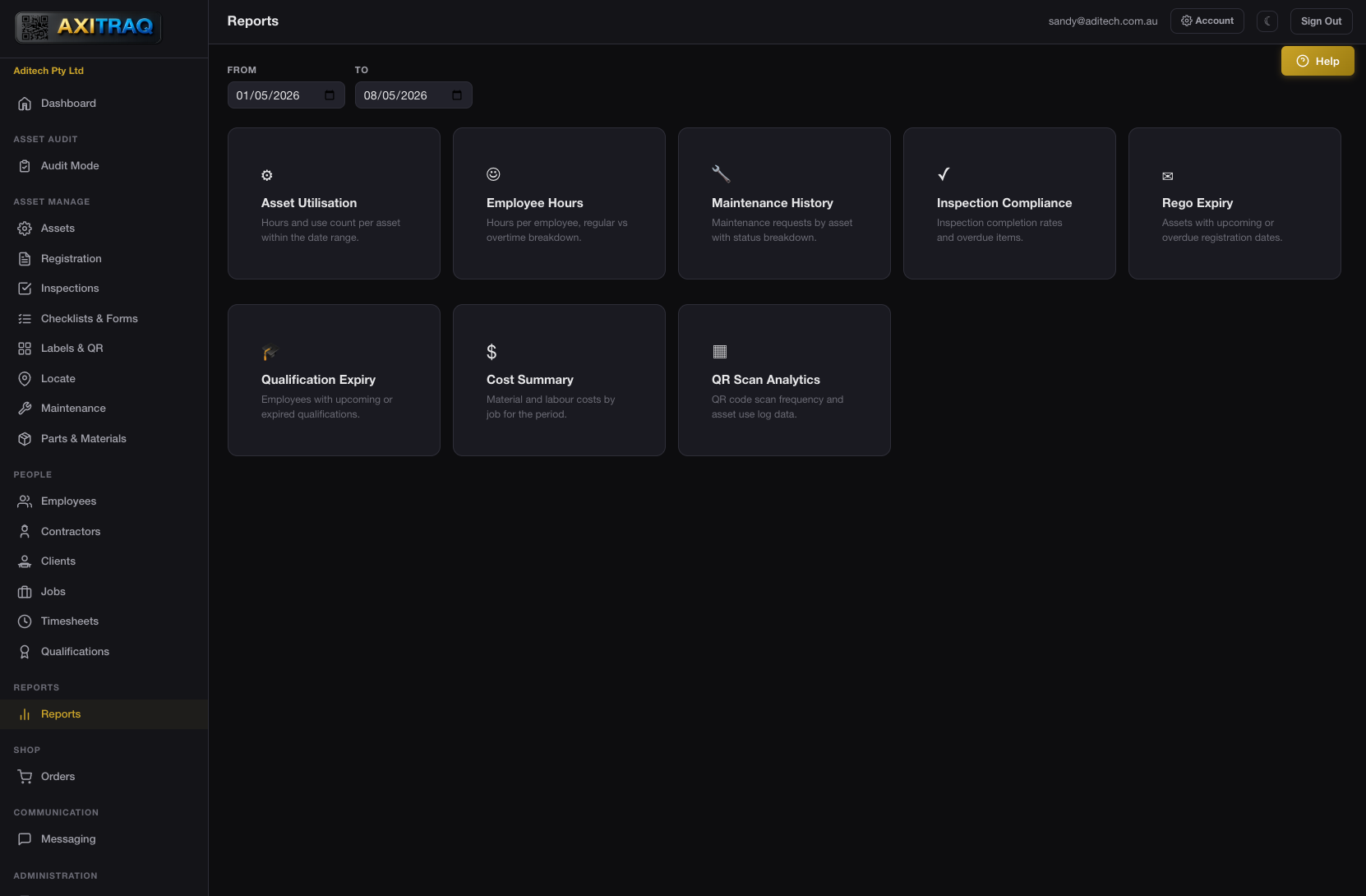
Every report supports date-range filtering, company-scoped data isolation, and exportable output. Two report types are also accessible via the REST API for external integrations.
Use sessions, scan counts, calculated hours, and prestart checklist completions
Regular hours, overtime, travel, standby, daily averages, and jobs worked
Job counts, completion rates, and costs broken down by asset
Completion rates, pass/fail ratios, and condition ratings across all assets
Upcoming and past-due asset registrations with expiry date tracking
Employee qualification and licence expiry warnings with renewal alerts
Job costs, invoice totals, and labour costs aggregated across your operations
Scan counts per asset, start/stop sessions, and activity patterns over time
Dash is AXITRAQ’s built-in AI support agent, available from every page via the Matrix chat integration. Ask questions about your dashboard, reports, or any platform feature and get contextual answers in real time.
Access Asset Utilisation and Employee Hours reports programmatically via the versioned REST API v1. Authenticate with scoped API keys, filter by date range, and receive standardised JSON responses for integration with your existing tools.
Start your 30-day free trial and build dashboards and reports that keep your entire team informed and accountable.