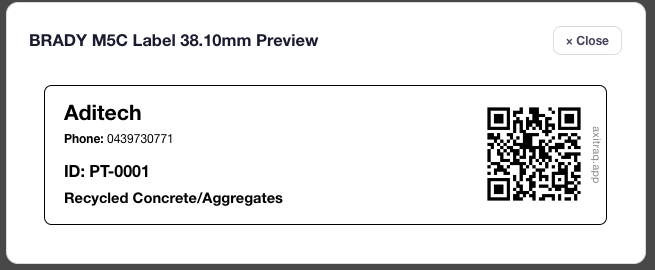
Design custom label templates with a visual editor, generate QR codes for every asset and part, and order professional-grade labels in sticker, acrylic, aluminium, or stainless steel — or print them yourself from anywhere in the platform.
Build custom label templates using CKEditor 5 with HTML body and CSS styling. Click to insert data placeholders like asset codes, serial numbers, and QR codes. Live preview shows exactly what your label will look like at actual print dimensions.
QR codes are generated entirely within the platform using PHP — no third-party services required. Each code encodes a direct scan URL and is cached in the browser for 24 hours for instant display across the interface.
From asset identification and parts inventory to timesheet clock-in and passcode-protected documents — every code routes to the right handler automatically.
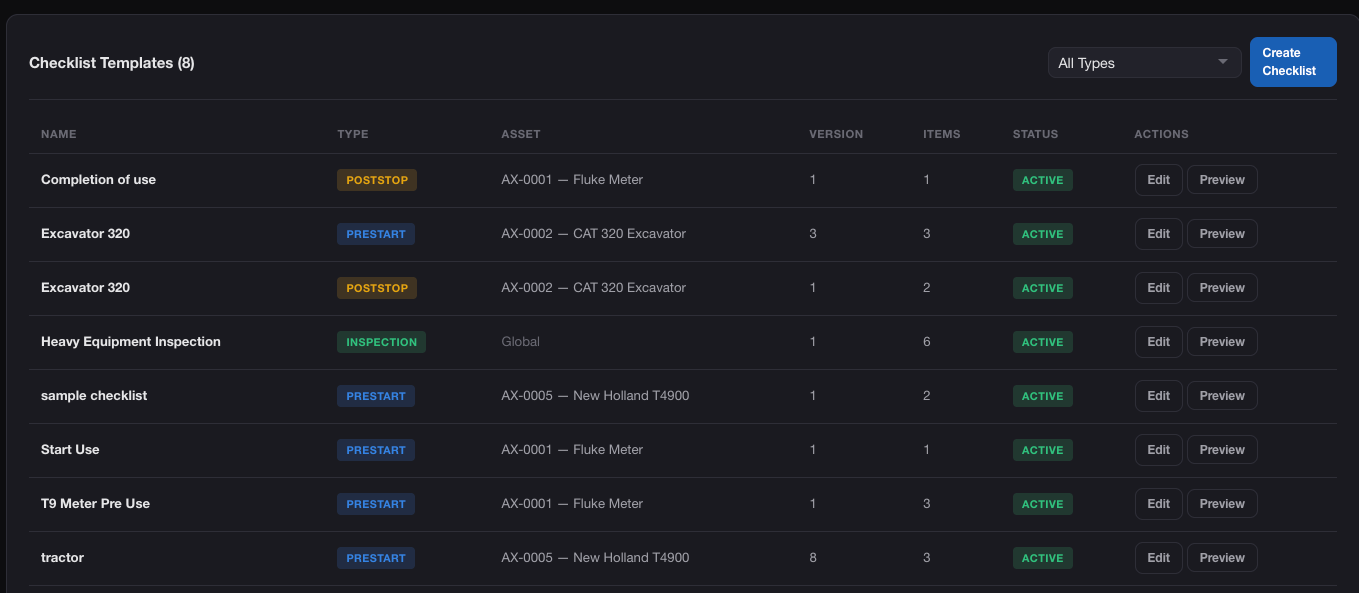
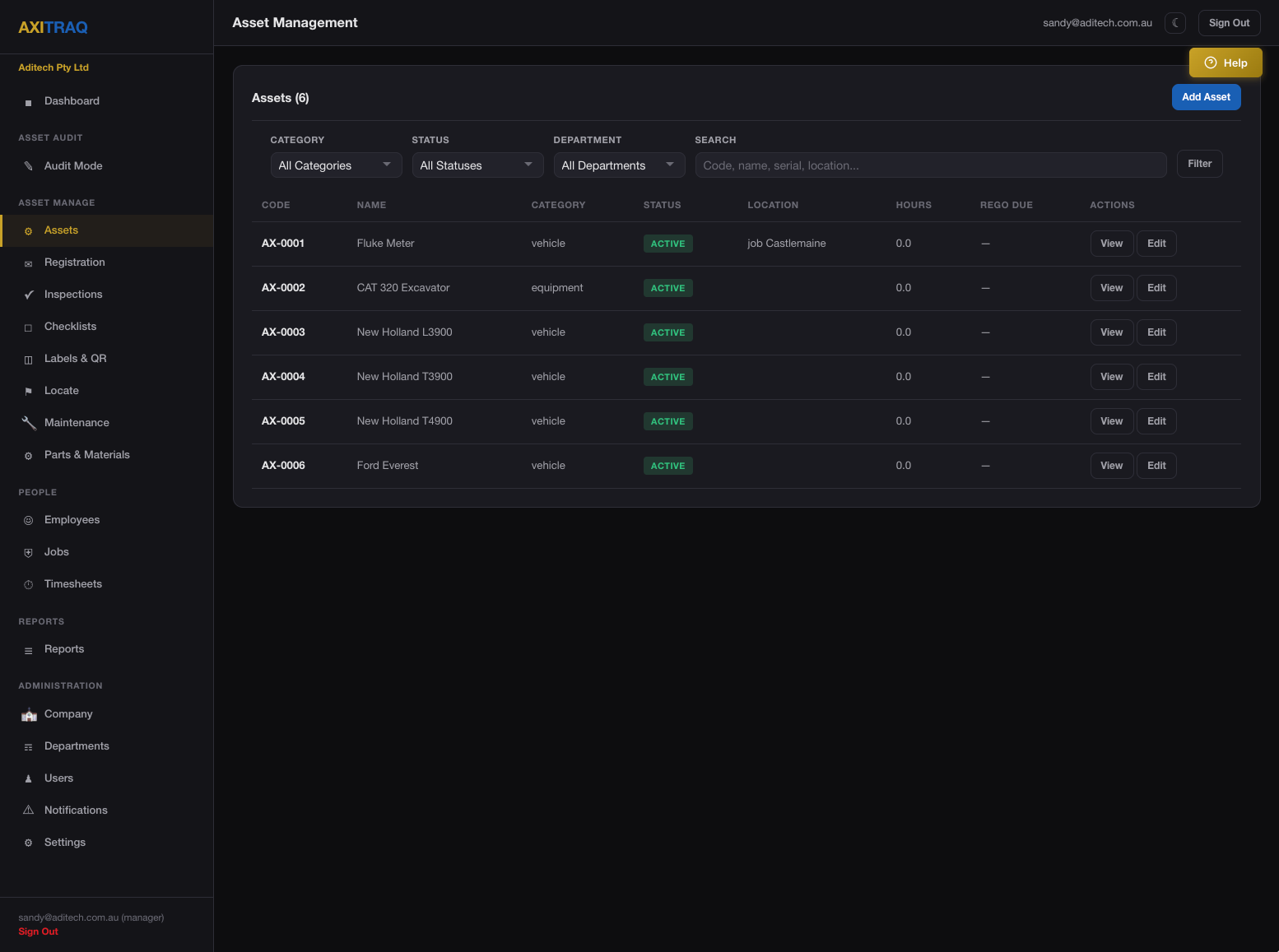
Scan to identify assets, start/stop use sessions, trigger pre-start checklists, and record GPS locations
Instant part identification and inventory tracking from any device with a camera
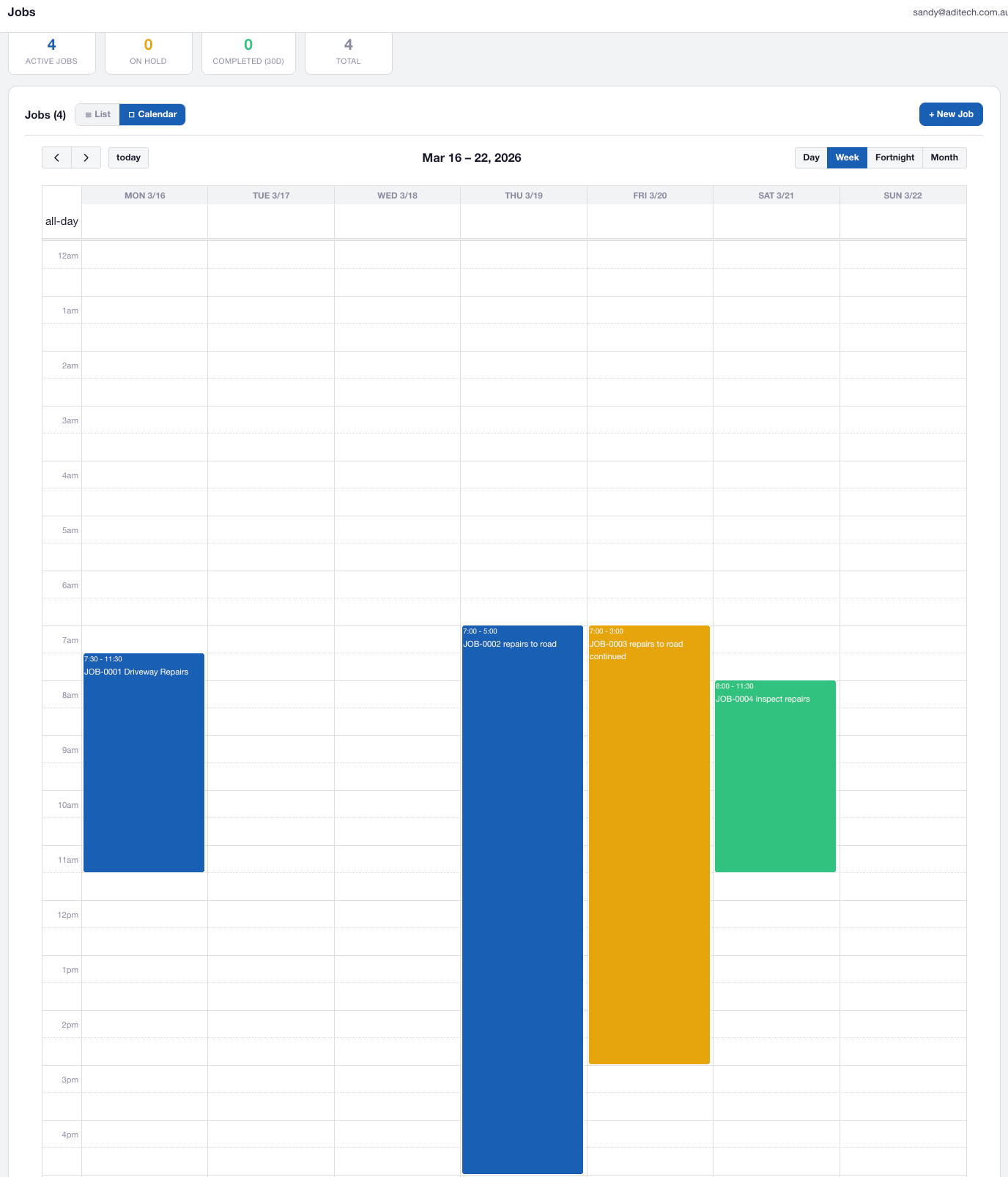
Clock in and out for timesheets using JTS-prefixed codes at job sites
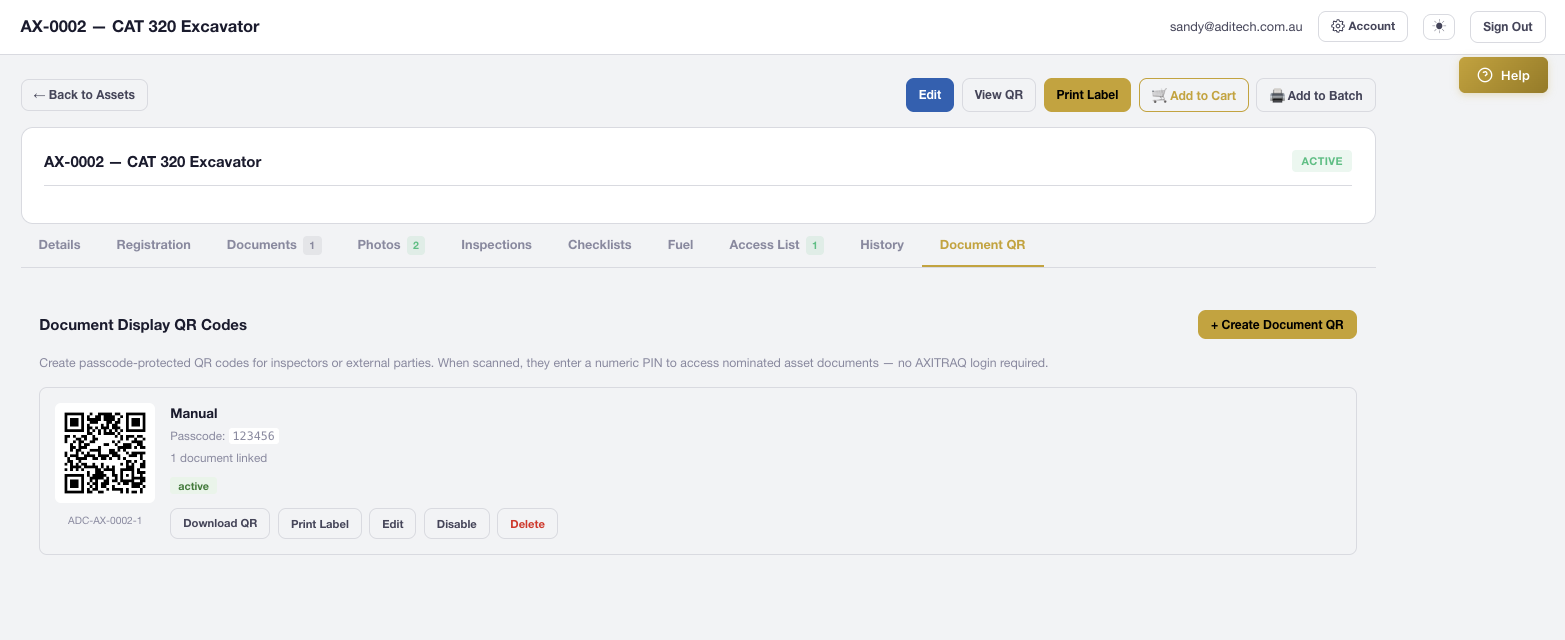
Passcode-protected public pages for site documents — no AXITRAQ login required
PIN-protected public viewer for asset documents and checklist submissions with full access logging
Print labels from asset edit and view pages, part pages, the labels page, and job pages. Every print dialog includes a template selector with live preview that renders with actual item data and full placeholder substitution.
The built-in label shop handles premium label orders with four material types, real-time pricing, VAT calculation, and flat-rate shipping. Or use batch print to self-print multi-label sheets on your office printer.
Generate passcode-protected QR codes for job and asset documents. Anyone can scan and view documents without an AXITRAQ login — just enter the 4–6 digit PIN. Perfect for site compliance, visitor access, and third-party contractors.
Generate A4 or A3 site signs with QR codes, job details, and passcodes printed directly from the Job Edit page. Use the label template system with job-specific placeholders to create professional signage for any worksite.
Every QR scan is logged with the scanner identity, timestamp, GPS location, and scan source. The dedicated QR Scan Analytics report shows scan counts per asset, start/stop session tracking, and activity patterns over time.
Start your 30-day free trial and see how AXITRAQ’s label and QR system brings instant identification to your entire operation.