Interactive Leaflet map with GPS tracking, 21 professional construction icons, satellite/street/hybrid views, employee location history, address search, and photo geo-tagging — see your entire operation at a glance.
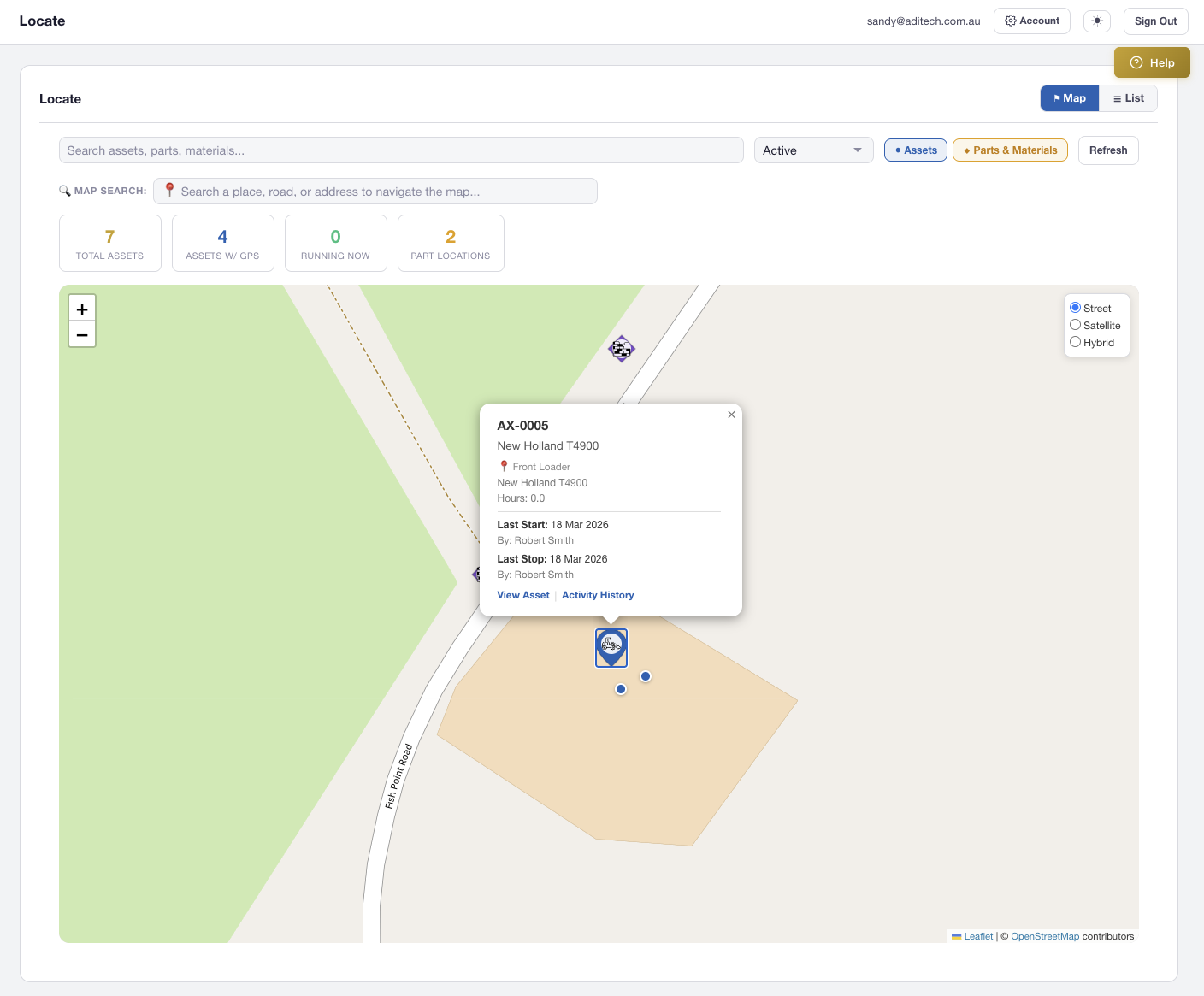
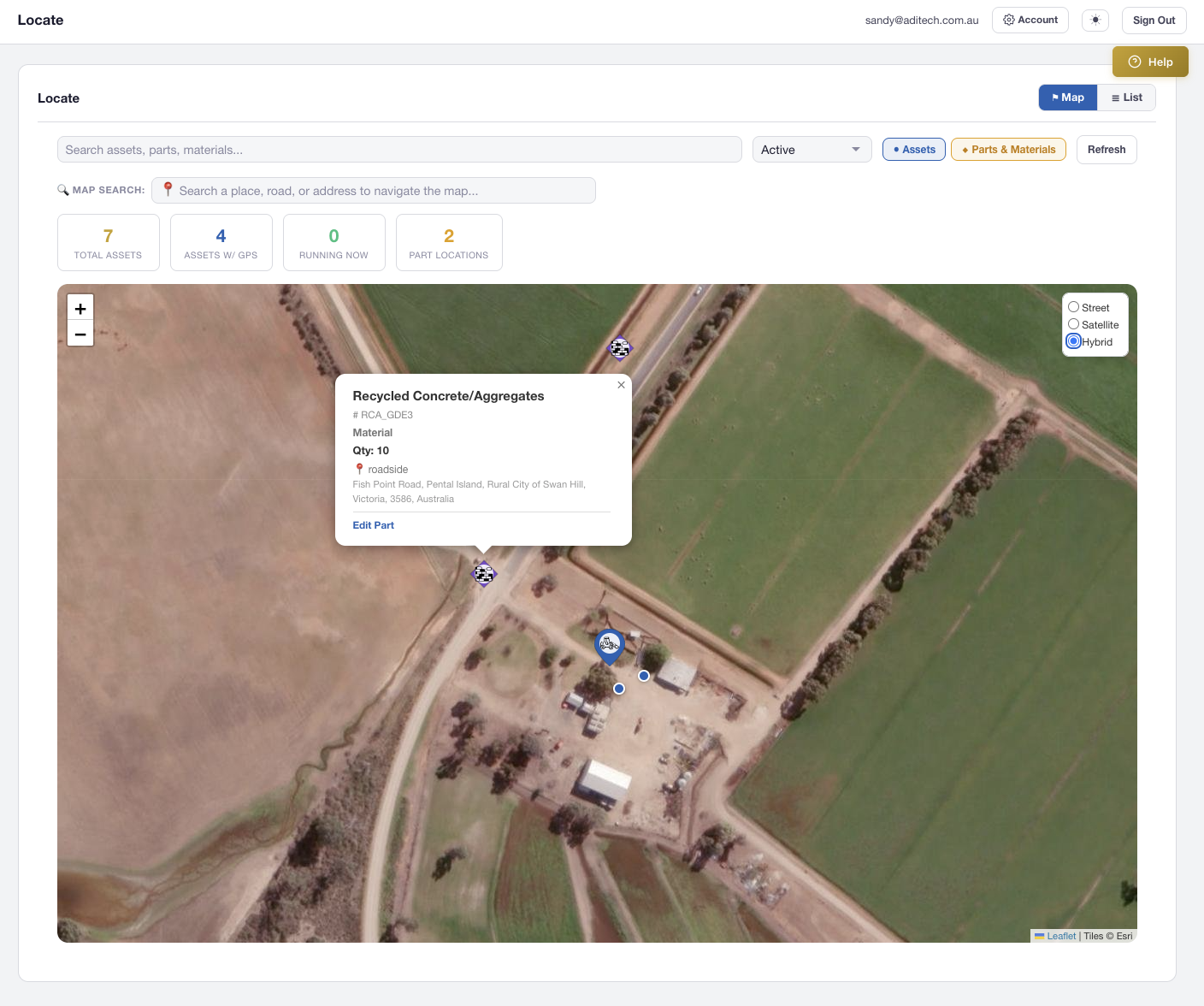
Built on Leaflet.js, the Locate map combines every asset, part, and employee location into a single searchable view. Switch between Street, Satellite, and Hybrid tile layers to match your environment — from urban workshops to remote mine sites.
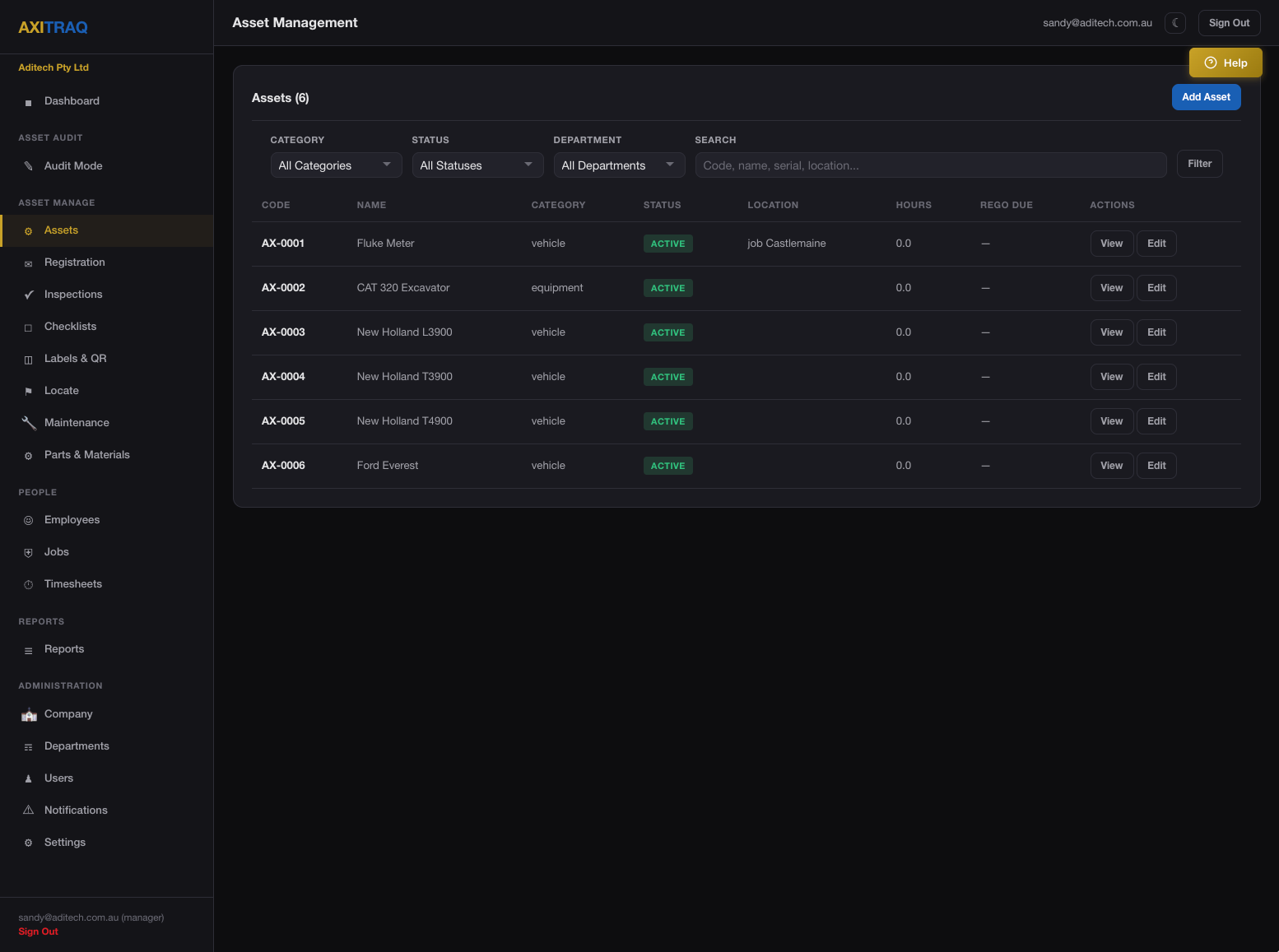
Assets appear as colour-coded teardrop SVG pins with category-specific icons rendered as white silhouettes. Assign icons per asset for instant visual identification on the map.
Vehicle, Semi Truck, Dump Truck
Bulldozer, Excavator, Crane, Grader, Forklift & more
Drill, Hammer, Jackhammer, Shovel, Toolbox
Wheelbarrow, Trailer
Material (Bricks)
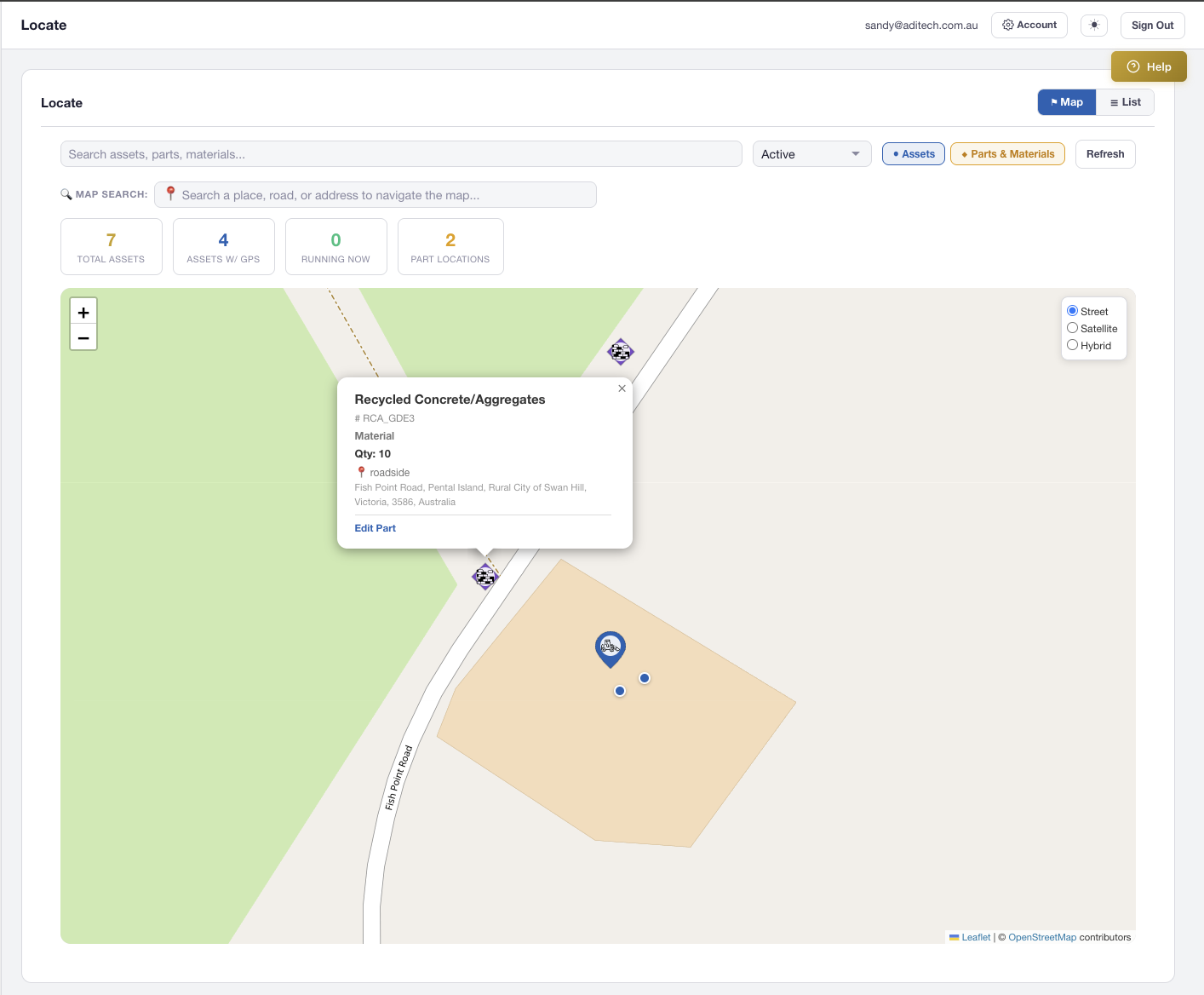
Inventory locations with GPS coordinates appear as diamond-shaped pins — visually distinct from teardrop asset pins. Toggle the parts layer independently to focus on what matters.
Clicking any pin reveals a rich popup with asset name, code, category, status, icon type, and current holder — with a direct link to the edit page. The companion List View provides a sortable table of all mapped items.
Type any location into the search bar and choose from Google Places autocomplete suggestions. The map flies to the selected location with a smooth animation and drops a temporary pin. Enter-key searches fall back to OpenStreetMap Nominatim for areas without Google coverage.
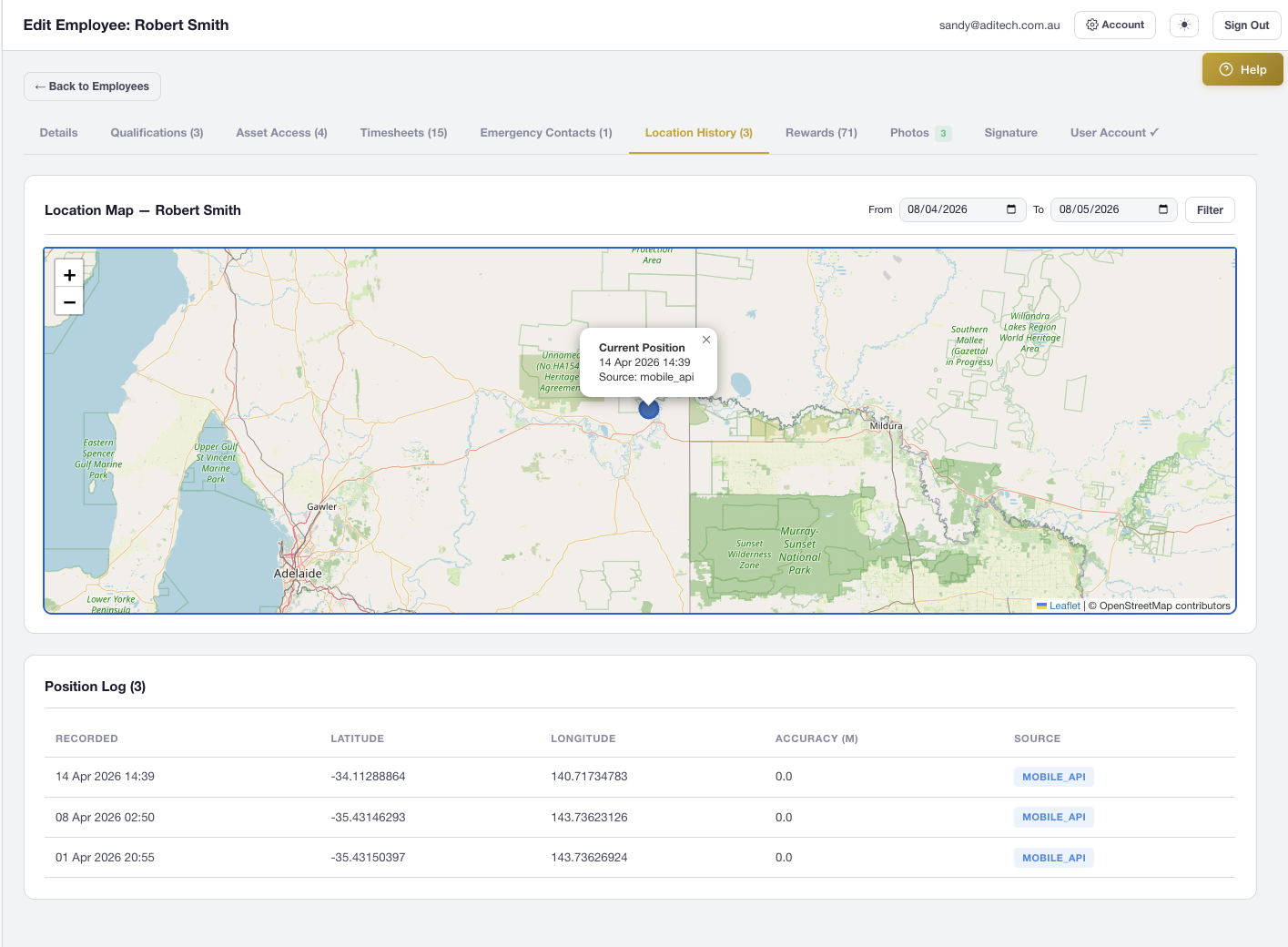
The Employee Edit page includes a dedicated Location History tab with an interactive Leaflet map. View the current position as a prominent marker, historical positions with timestamps, and filter by date range to review any period.
Every inspection supports GPS capture with an interactive map. Inspectors can auto-detect their position, search for an address, tap the map to drop a pin, or drag the marker for fine-tuning — coordinates update in real-time.
Enter GPS coordinates in decimal degrees, DMS, decimal minutes, or with direction suffixes. AXITRAQ automatically normalises Unicode symbols copied from Google Maps and iOS — no manual cleanup needed.
Photos captured via the AXITRAQ mobile app embed full GPS coordinates, compass direction, altitude, and accuracy metadata. The photo lightbox includes a direct map link to the exact capture location.
Start your 30-day free trial and see every asset, part, and team member on a single interactive map.